
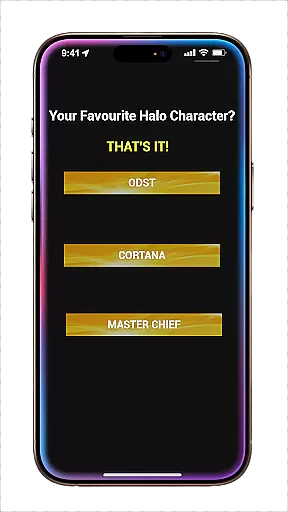
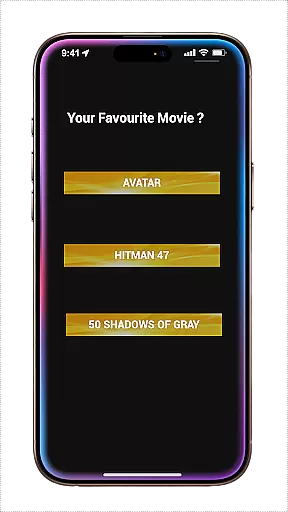
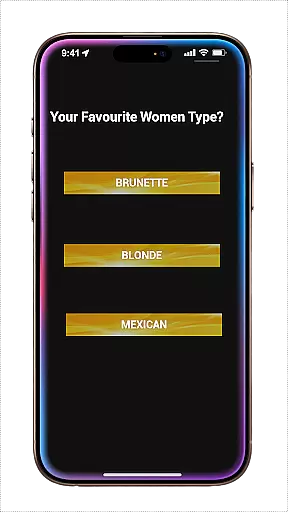
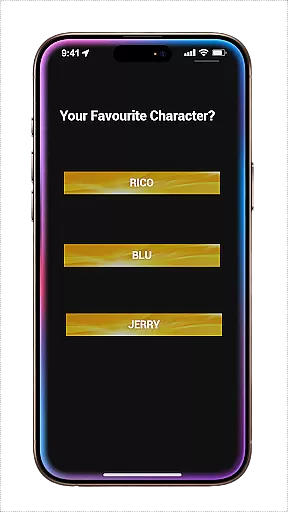
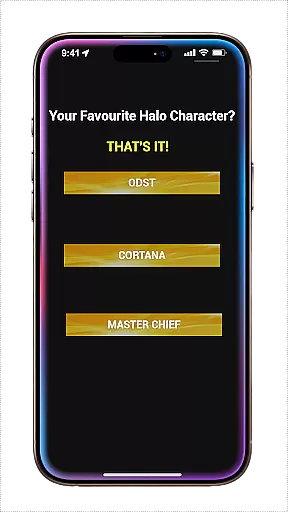
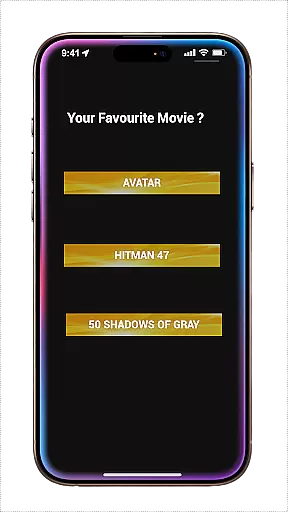
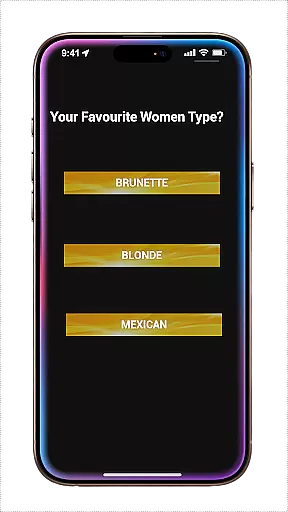
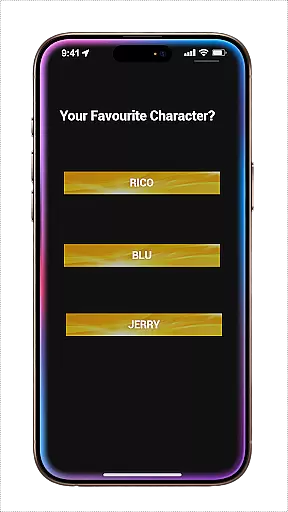
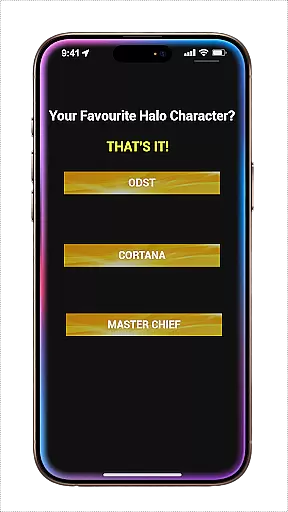
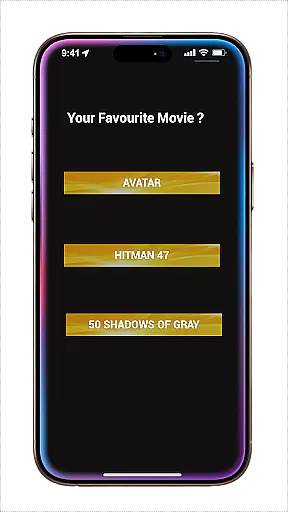
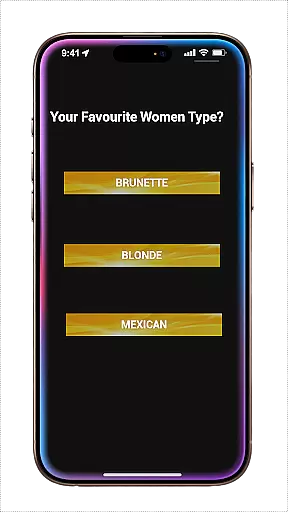
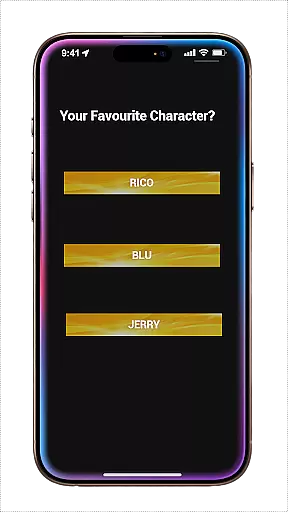
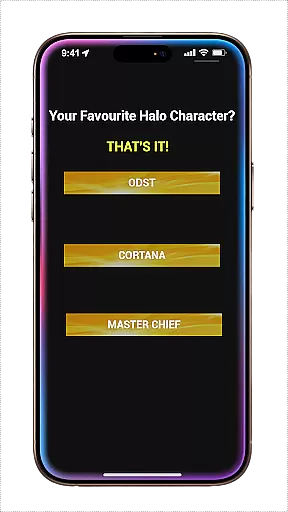
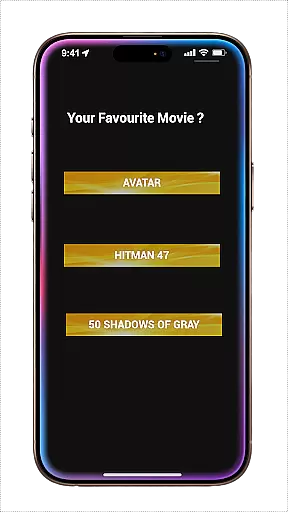
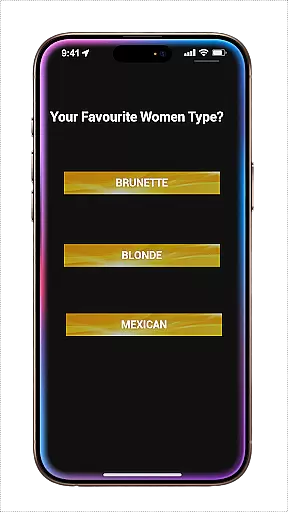
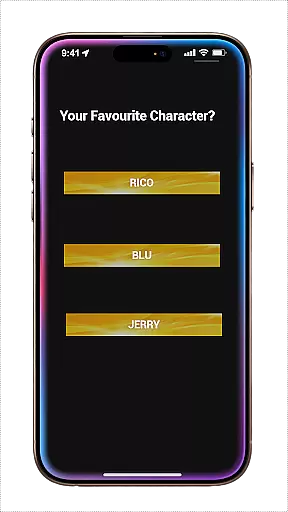
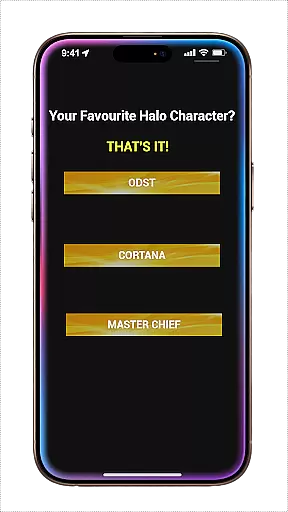
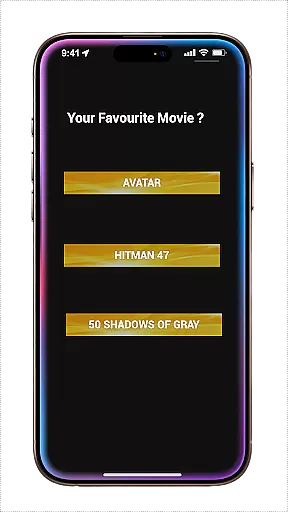
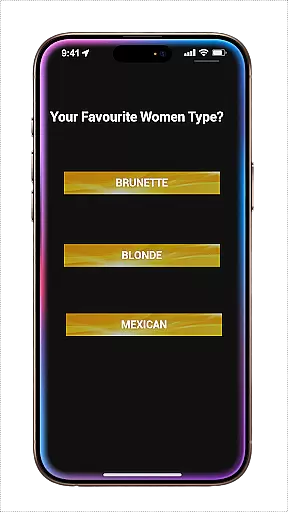
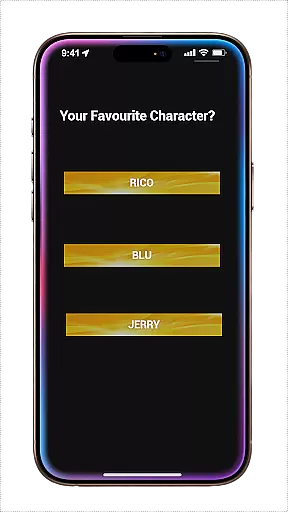
My Favorites Game is a casual gaming app designed for short, engaging experiences. The game presents players with 10 questions, each having 3 answer options to choose from. This structure allows users to make choices that lead to different outcomes, encouraging replayability as players can start over and select alternative answers to explore various scenarios.
The simplicity of the game makes it perfect for quick gaming sessions, catering to those who prefer casual gameplay without long-term commitments. With its straightforward mechanics, My Favorites Game offers an accessible experience for all ages, making it an ideal choice for filling brief moments of free time with fun and decision-making.
One of the standout features of My Favorites Game is its replay value. Each playthrough consists of 10 unique questions, allowing players to make new choices and see different results every time they engage with the app. This variability ensures that no two gaming sessions are exactly alike, providing a fresh experience with each play.
In addition to its core question-and-answer format, the game emphasizes user freedom. Players have the autonomy to select any answer they prefer, leading to multiple potential endings. This design fosters a personalized journey through the game, enhancing player engagement and satisfaction. The casual nature of the app also means there's no pressure or steep learning curve, making it welcoming for casual gamers.
At the heart of any successful casual game lies a simple yet engaging core gameplay mechanic. My Favorites Game perfectly encapsulates this principle by offering players a straightforward choice-based experience.
The game presents 10 sequential questions, each with 3 distinct options to choose from. This multiple-choice format creates an accessible and stress-free gaming environment that's easy to understand but offers meaningful decisions.
Players can complete the sequence quickly, making it ideal for short breaks or commutes. The simplicity of the mechanics ensures that anyone can pick up and play without needing complex tutorials or extended learning periods.
This approachable design demonstrates how casual games can deliver satisfying experiences through minimalist but thoughtful gameplay structures.
Understanding the modern player's need for flexible entertainment options, My Favorites Game offers remarkable session length flexibility. Each playthrough takes just minutes to complete, fitting neatly into busy lifestyles.
The game's structure allows players to engage in multiple short sessions throughout the day or enjoy longer periods of repeated play. When reaching the end, players can immediately restart, creating different outcomes with alternative choices each time.
This flexibility caters to various playing styles - from quick coffee break sessions to extended periods of experimental decision-making. The ability to create different scenarios with each run adds significant replay value.
By designing the experience to be both brief and repeatable, the game successfully captures the essence of casual gaming - providing entertainment that adapts to the player's schedule rather than demanding specific time commitments.
Easy to learn
Quick play sessions
Multiple endings
Replayable content
Suitable for all ages
Limited depth
Fewer questions
No multiplayer
Simple graphics
Short overall
Aim-Shoot-Blast: Perfect Shot
 4.4
4.4
Play music with emojis! A colorful and fun piano for all ages.
4.2
Protect nature, fight pests and harness the power of compost in Garden Invasion
4.0
Join Tom and friends and care for them. Create fun stories and play mini-games.
4.30
Fun drinking & party game with dares, sips, timers, and a live leaderboard!
4.5
Greed is a virtue in Idle Trillionaire. Success is defined by your net worth.
4.50
Draft dice in Sagrada to construct your stained glass window masterpiece.
4.60
A minimalist game about digging a hole in the garden of a newly purchased house
3.00
Match & sort coins in addicting puzzle games—be the master of color matching fun
4.40
The award winning game where everything burns.
4.70
Unfurl tent flaps, cut through bushes, slam doors, and poke some crocodiles!!!
4.70
Save the Candy Bears! Match, pop, and blast through fizzy match-3 puzzles!
4.60
Monster Attack! Hide and run cleverly or unleash your inner angry hunter!
4.20
A cozy idle farming game, watch tiny guys do tasks around the terrace.
4.20
Dodge missiles, collect stars, and test your reflexes in Aero Escape!
3.40
Five new incredible party games to liven up any gathering!
3.30
Just shoot and drop blocks.
4.0
Jurassic beast with one goal tear down everything in sight
4.1
A companion app for score tracking while playing My Cows! on a roadtrip
4.0


User Reviews