
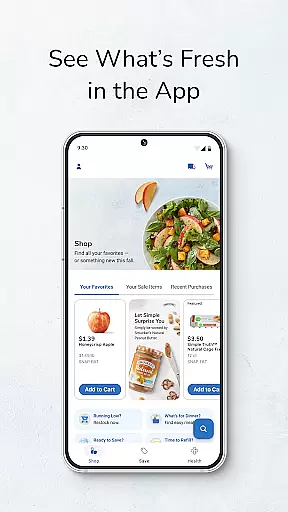
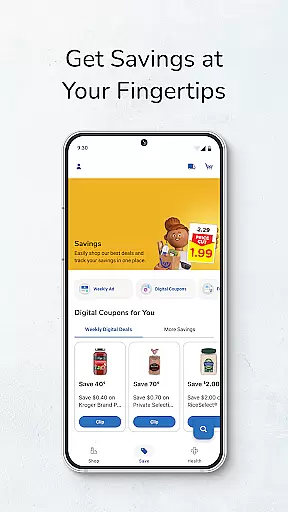
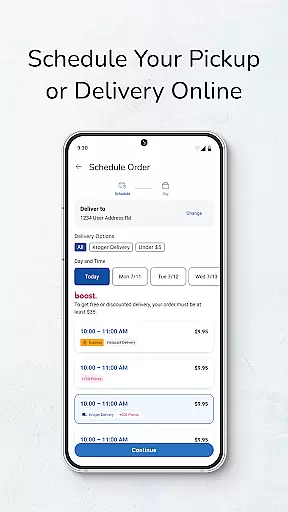
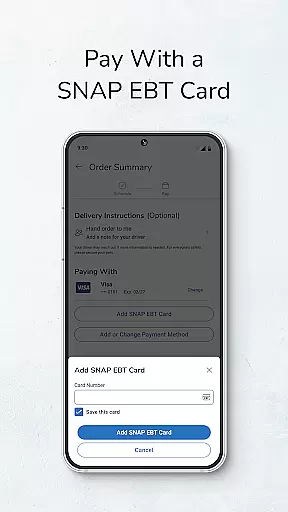
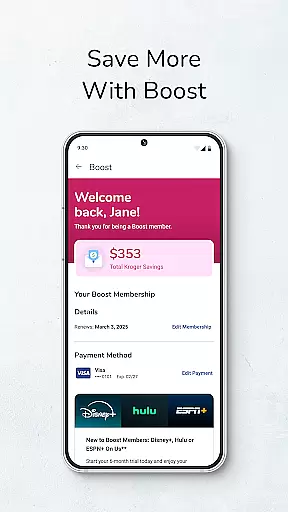
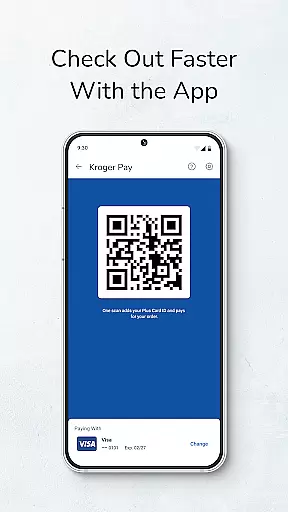
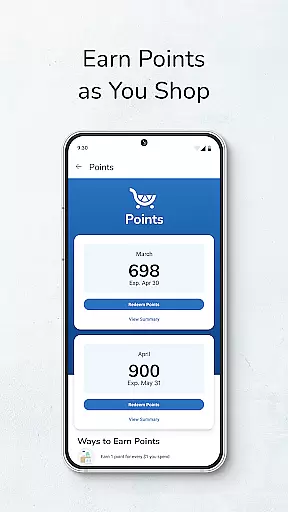
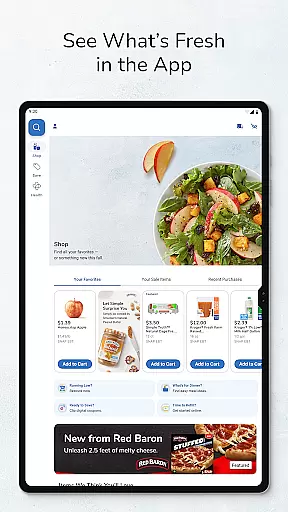
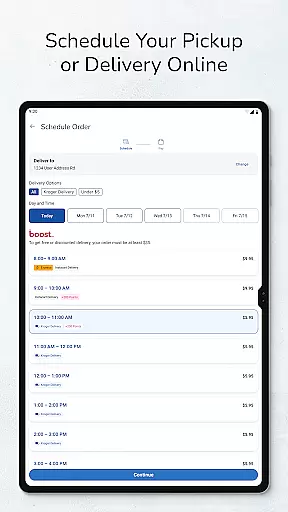
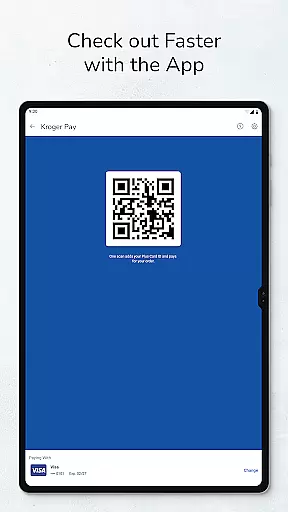
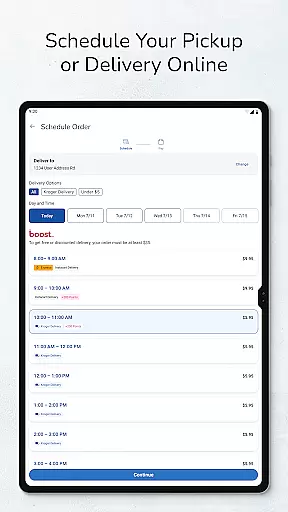
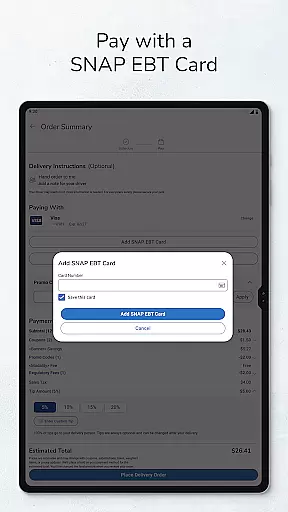
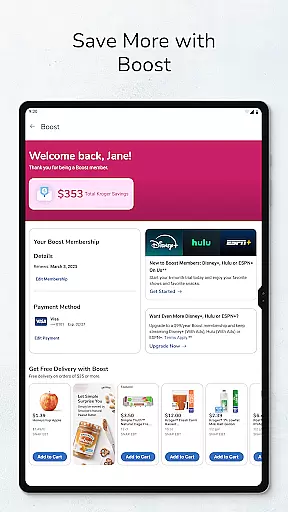
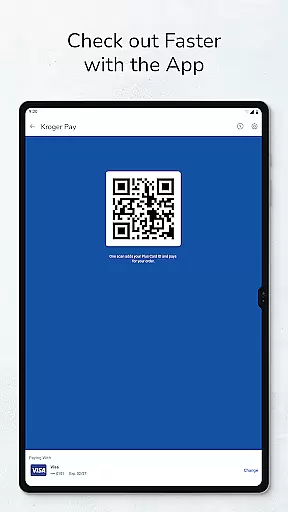
Kroger is a comprehensive shopping app designed to enhance the retail experience for customers. It provides an all-in-one platform where users can access Weekly Ads, build shopping lists, and shop for Pickup or Delivery. The app integrates digital coupons and savings directly to the user's Shopper’s Card, ensuring a seamless and rewarding shopping journey.
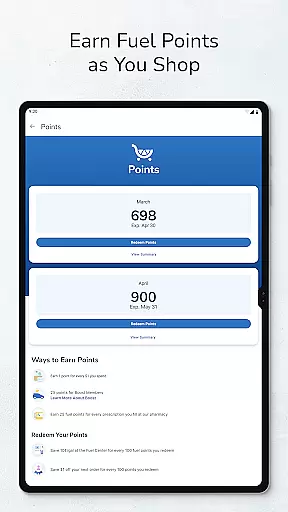
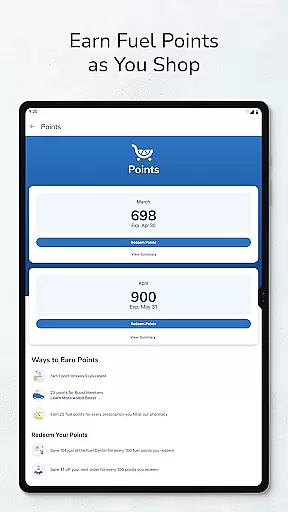
One of the standout features is the ability to manage Kroger Pharmacy prescriptions, offering a convenient way to refill medications directly from mobile devices. Additionally, users can check fuel points and locate the nearest Kroger store or fuel center, making everyday tasks more efficient. With personalized offers and bonus rewards, Kroger ensures that users save both time and money.
This app is particularly beneficial for busy individuals who seek to streamline their shopping activities while maximizing savings. By consolidating various functionalities into one intuitive interface, Kroger transforms routine shopping into a faster, easier, and more rewarding experience.
The Kroger app boasts a variety of features tailored to optimize the shopping experience. Users can effortlessly create and manage online shopping lists, which can be used in-store or for placing online orders. The integration of Weekly Ads allows users to quickly add sale items to their shopping lists, ensuring they never miss out on great deals.
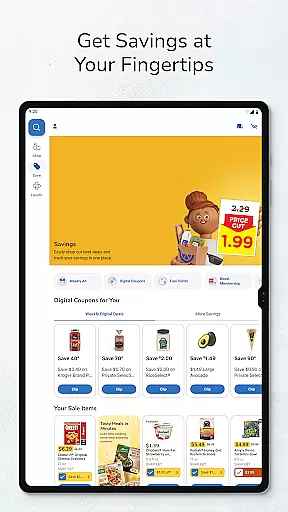
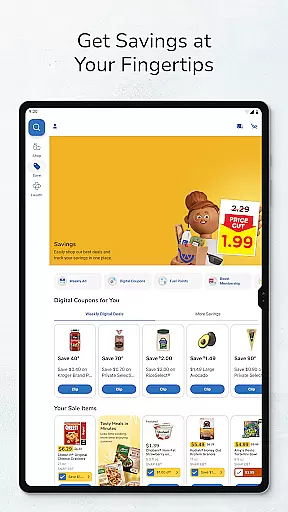
Digital coupon functionality is another key feature, enabling users to load coupons directly onto their Shopper’s Card. This not only simplifies the redemption process but also enhances savings. The Smart Suggest feature further augments this by recommending additional savings opportunities based on user preferences.
For added convenience, the Kroger app includes a pharmacy management tool, allowing users to refill prescriptions with just a few taps. Moreover, features like fuel point checking and store locators ensure that users have all necessary information at their fingertips, enhancing both accessibility and usability.
When it comes to shopping apps, product variety and categorization play a crucial role in enhancing the user experience. The Kroger app excels in this area by offering an extensive range of products neatly organized into categories. This makes it easy for users to find exactly what they need without feeling overwhelmed.
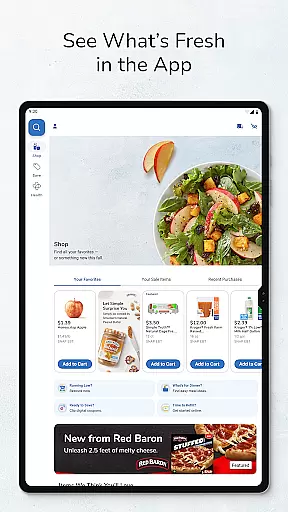
The app allows customers to browse through various departments such as fresh produce, bakery items, beverages, and more. Each category is further broken down into subcategories, ensuring that shoppers can quickly locate specific items. For instance, within the 'Bakery' section, you'll find options like bread, cakes, and pastries, each with detailed descriptions and pricing information.
Moreover, the Kroger app provides tools to help users build their shopping lists efficiently. By enabling customers to add items directly from weekly ads or sale listings, the app ensures that users never miss out on great deals. This feature not only saves time but also helps in managing household budgets effectively.
In summary, the Kroger app's robust product variety and thoughtful categorization make it a top choice for savvy shoppers who value convenience and savings. With its intuitive interface and comprehensive inventory, users can enjoy a seamless shopping experience tailored to their needs.
Pricing transparency and competitiveness are essential factors that influence consumer trust and satisfaction. The Kroger app addresses these aspects by providing clear and competitive pricing across all its product offerings. Users can easily view prices, compare them with ongoing sales, and take advantage of exclusive promotions available through the app.
One of the standout features of the Kroger app is its digital coupon system. Shoppers can load coupons directly onto their Shopperu2019s Card, which automatically applies discounts at checkout. This eliminates the hassle of paper coupons and ensures that users always get the best possible price on their purchases.
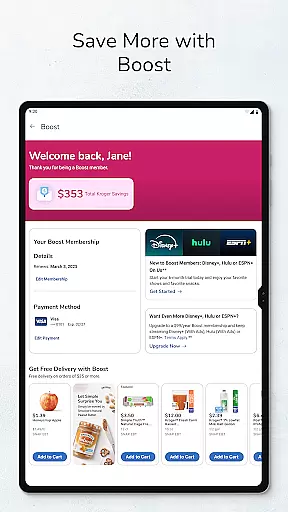
Additionally, the app offers personalized offers and bonus rewards based on individual shopping habits. These tailored incentives not only enhance the shopping experience but also provide significant savings over time. By leveraging data analytics, Kroger ensures that its pricing strategy remains attractive and relevant to its customer base.
Overall, the Kroger app sets a high standard for pricing transparency and competitiveness in the retail sector. Its commitment to offering fair prices, coupled with innovative savings opportunities, positions it as a leader in the shopping app landscape.
User-friendly interface
Integrated digital coupons
Personalized offers
Convenient prescription refills
Comprehensive store locator
Limited to Kroger shoppers
Requires account creation
Occasional bugs reported
Delivery fees apply
Pharmacy feature limited to users

Shop, plan, order, and save
 4.70
4.70
World’s simplest mobile payment solution for machines.
4.50
With the IKEA app, you can explore, shop for furniture, and check out—simply.
4.70
Track all of your packages and online orders in one app - Amazon, FedEx, & USPS
4.70
Shop fashion, shoes, home, designer handbags, beauty & more on the Belk app.
4.00
Cash back on everything you need! Join now to start earning cash back!
4.60
Scan receipts, earn gift cards & fetch rewards with CoinOut receipt scanner app.
4.30
Shop home goods, vintage treasures, art prints & more with Etsy. Download today!
4.80
Fast delivery and epic savings await in your AliExpress app!
4.40
Buy fashion, beauty, home, & more! Save with amazing shopping deals & discounts.
4.80
Stop overpaying. Grab coupons & deals for Walmart, Target, Amazon & more.
4.80
Shop anywhere, manage payments, get cashback, discover Klarna Card & more.
4.80
Online Marketplace: Resell vintage clothing, thrift & shop second hand items
4.70
Unlock the latest from Nike & Jordan. Shop sneakers & apparel for all athletes.
4.70
Life’s easier in the eBay app—buy and sell millions of items on the go.
4.60
Shop daily deals, browse best sellers, and have a laugh along the way.
4.50
Shop, sell, & discover savings in our marketplace. Buy and sell clothing & more.
4.50
Save up to 70% on the things you need every day
4.40
Shop and save from anywhere.
3.60


User Reviews