
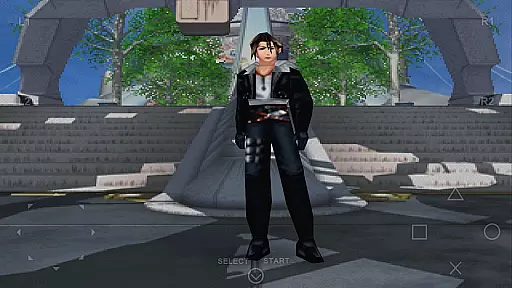
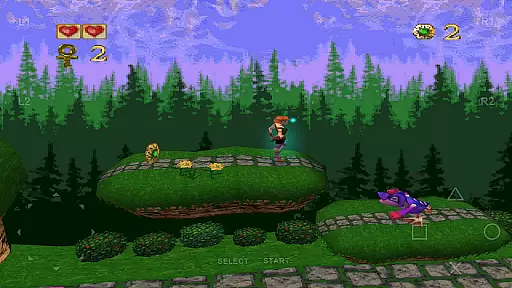
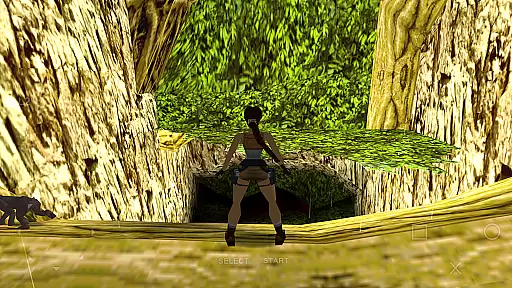
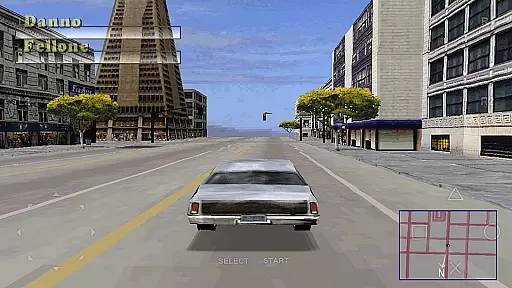
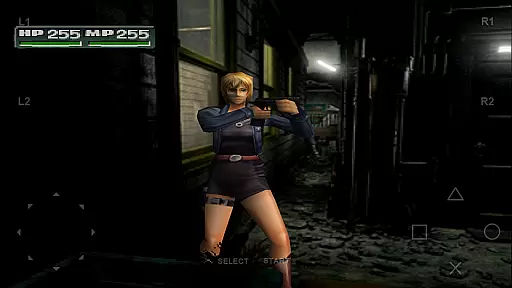
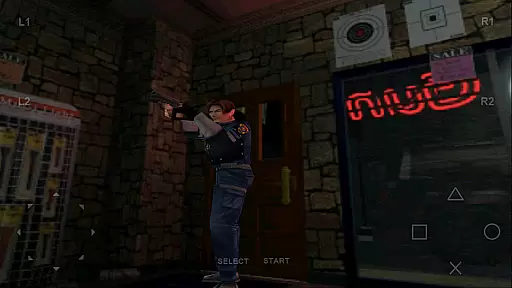
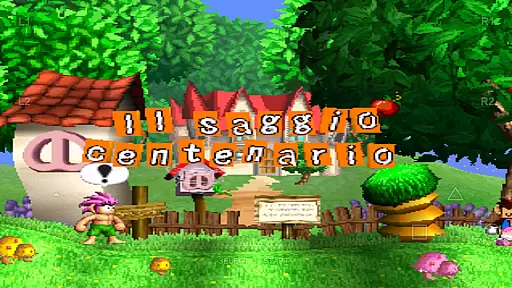
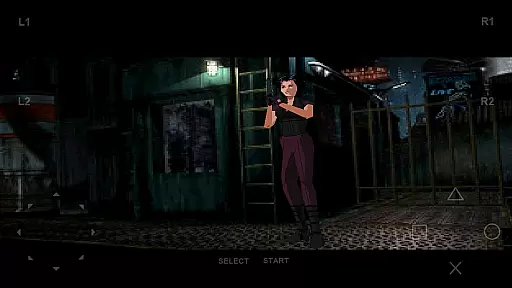
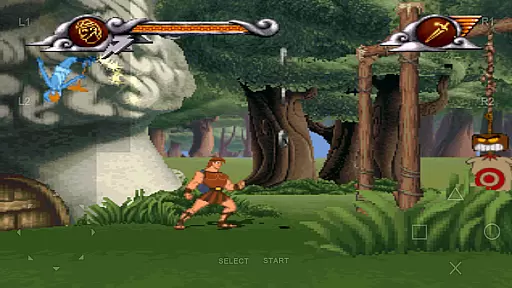
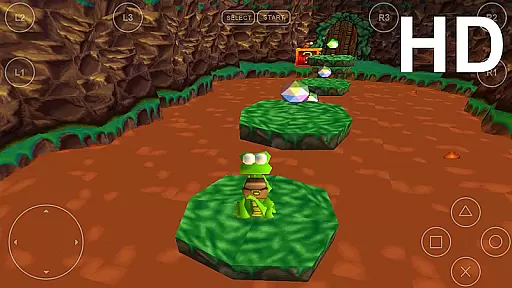
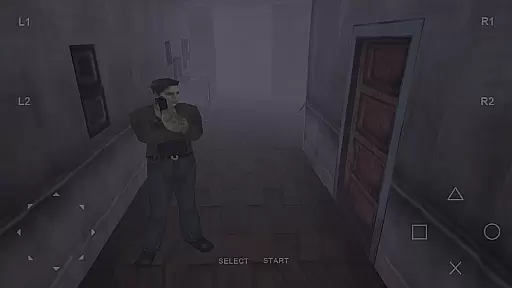
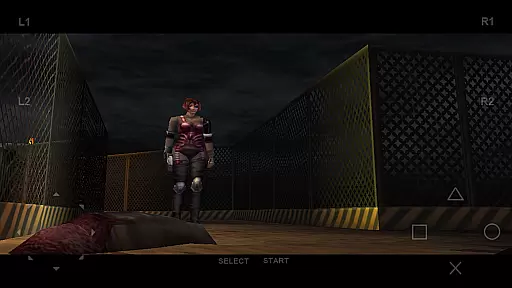
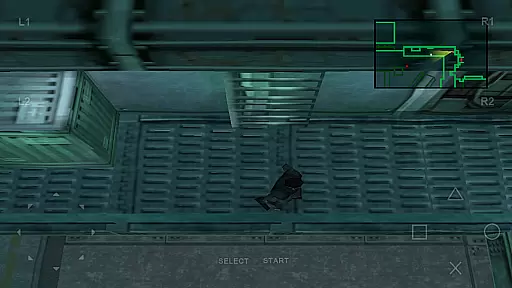
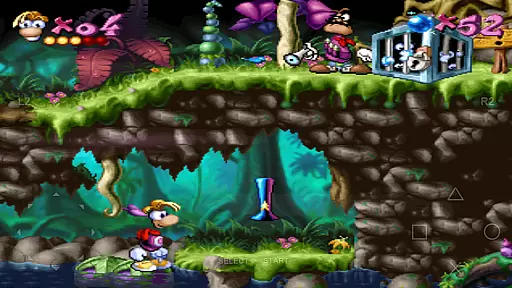
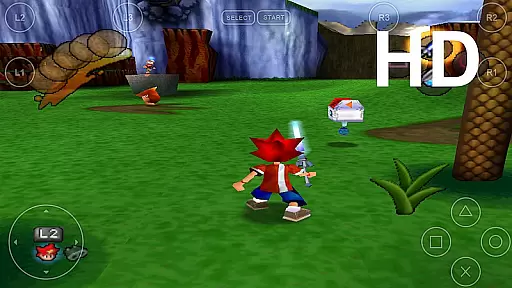
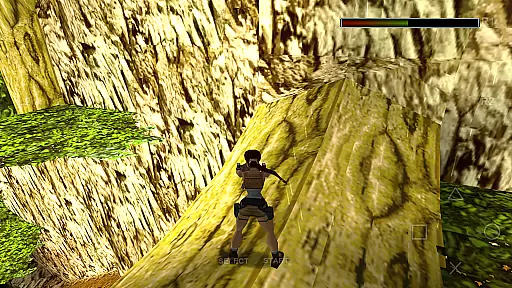
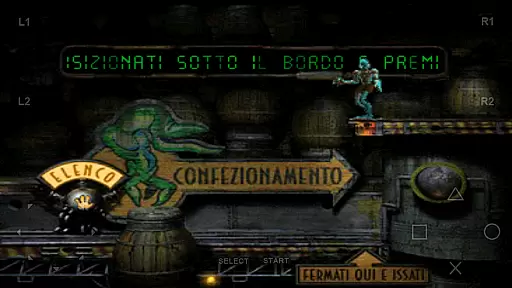
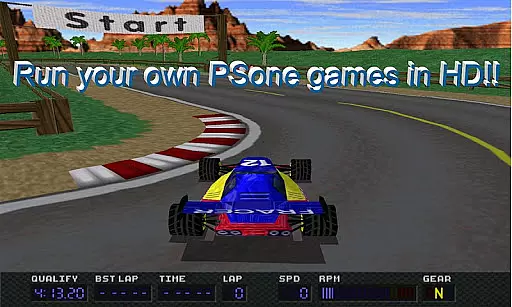
FPse for Android devices is a premier PlayStation 1 emulator that brings classic gaming to modern smartphones. It supports a wide range of Android versions, from 2.3 to 8, ensuring compatibility across various devices. The app leverages OpenGL for high-resolution graphics, delivering an enhanced visual experience that surpasses the original console's output.
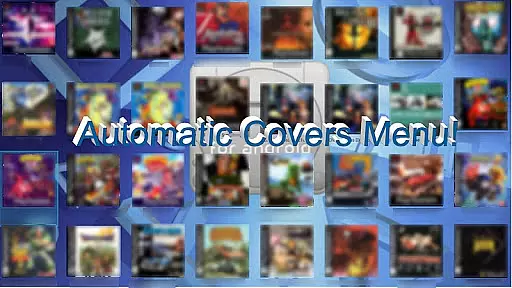
One of FPse's standout features is its user-friendly interface that automatically scans local storage for PSone games and displays their covers. With support for multiple file formats including .iso, .bin, and .cue, users can easily load their favorite games. Additionally, the app offers innovative functionalities such as savestates, force-feedback, and even experimental LAN multiplayer modes, making it a versatile choice for retro gaming enthusiasts.
This emulator is not just about playing games; it's about reliving the nostalgia with added enhancements. Whether you're commuting or relaxing at home, FPse allows you to enjoy PlayStation classics on your smartphone with improved graphics and customizable controls. Its compatibility with external controllers like IcontrolPAD and Zeemote further enriches the gaming experience, providing flexibility and convenience for players.
FPse boasts an impressive array of features designed to enhance the emulation experience. The app supports multiple menus, each capable of displaying game covers and even video samples, allowing users to preview gameplay before diving in. With OpenGL support and software rendering in high definition, FPse delivers stunning visuals that can scale up to 4x the native resolution, breathing new life into classic titles.
Compatibility is at the core of FPse's design. It supports a vast array of file formats including .img, .iso, .bin, .cue, .nrg, .mdf, .pbp, and .Z disc images. Compressed files in .zip, .rar, .7z, .ecm, and .ape are handled seamlessly, offering unparalleled convenience. The inclusion of savestates, autofire options, and cheat code search engines provides users with tools to enhance their gaming sessions beyond what was possible on the original console.
Innovative multiplayer options set FPse apart from other emulators. Users can engage in experimental LAN modes using two Android devices or participate in exclusive multi-player modes connecting up to four devices. This feature transforms individual screens into wireless gamepads, creating a unique social gaming experience. Furthermore, preliminary VR support hints at future possibilities, ensuring FPse remains at the forefront of emulation technology.
FPse for Android offers a streamlined and intuitive experience for playing PlayStation 1 games on your smartphone. The emulator is designed to be user-friendly, ensuring that even those new to emulation can easily navigate its features.
The app automatically scans local storage for PSone games and displays their covers, making game selection straightforward. With support for multiple file formats such as .img, .iso, and .bin, users can quickly load their favorite titles without hassle.
One of the key aspects of FPse's simplicity lies in its compatibility with various control methods. Whether using touchscreen controls, external gamepads, or innovative features like Guncon emulation, players can enjoy their games with minimal setup.
Additionally, the ability to save gameplay at any time through savestates ensures that users can pick up where they left off with ease, enhancing the overall casual gaming experience.
FPse for Android provides remarkable flexibility in session lengths, catering to both short bursts of play and extended gaming sessions. This adaptability makes it ideal for users who want to enjoy their favorite PlayStation 1 games on the go.
With high performance even on older devices, FPse ensures smooth gameplay regardless of session duration. Players can dive into quick matches or embark on longer adventures without worrying about performance drops.
The inclusion of features like automatic cheat code search and autofire with adjustable frequencies allows gamers to tailor their experience based on available time. These tools help streamline gameplay, making every session enjoyable and efficient.
Moreover, the experimental multi-player LAN mode and exclusive multi-player mode enable flexible gaming scenarios. Users can engage in brief competitive sessions or collaborate over longer periods, all within an adaptable framework provided by FPse.
User-friendly interface
High compatibility
Advanced graphics
Multiplayer options
External controller support
Requires game files
Complex setup
Performance varies
Limited VR support
Ads in free version

How does a p fall?
 3.70
3.70
11 classic games featuring Freddi Fish, Pajama Sam, Putt-Putt, and Spy Fox.
3.80
Catch a fish.
4.3
Black hole games - eat tiles, grow bigger, and master the fun
4.80
A fun and relaxing idle game
4.20
Manage a fish tank of guppies and other aquarium creatures
4.60
Embark on a colourful hand drawn journey of discovery through the ages!
4.40
A cozy puzzle city builder for creativity on the go
4.4
Unwind with calming and antistress games designed to relieve stress and anxiety.
4.40
Keep Popgoes alive in a quirky collection of LCD minigame challenges!
5.00
Unmissable Black Friday Discounts! Come and unlock your 3D screw puzzles offers!
4.80
Fast, fun, and relaxing tap minigame challenges – anytime, anywhere!
4.70
Help Austin renovate his home and solve exciting match-3 puzzles along the way!
4.70
The award winning game where everything burns.
4.70
Plan, craft and compete—an idle RPG with a smart Forge and Eternal cards.
4.20
The SPY Corps needs your help! Spy Fox need’s you!
4.10
A game where you swipe various objects to send them to the desired location
4.2
1000 Start Ups is a fun endless running game suitable for all ages.
4.5
An idle incremental game where you decide to travel across the whole Universe
4.1


User Reviews