
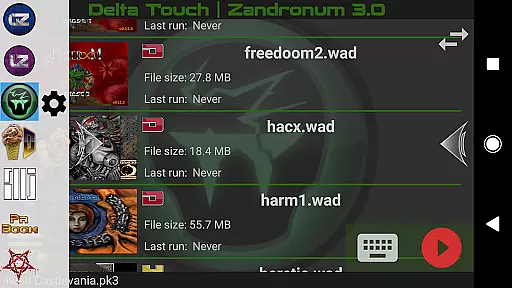
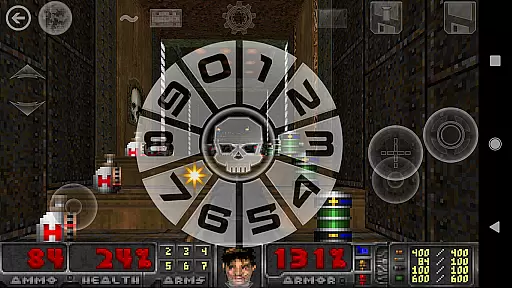
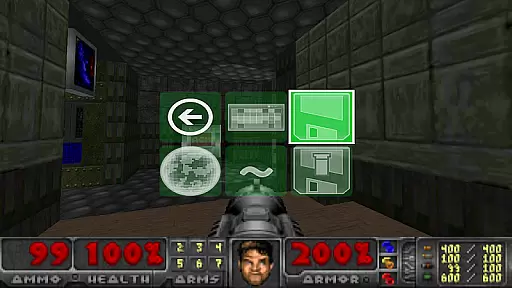
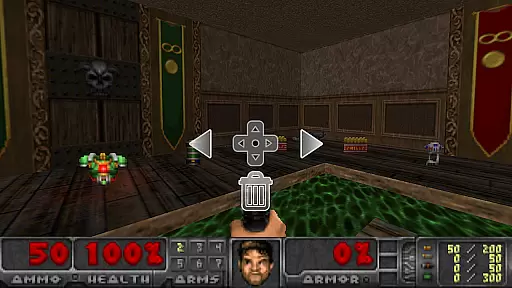
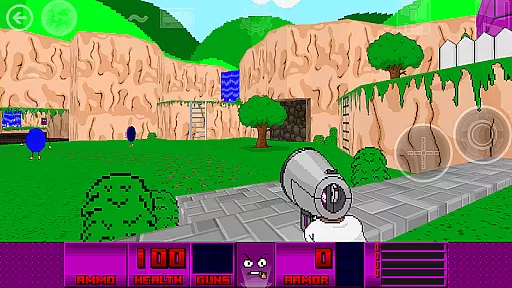
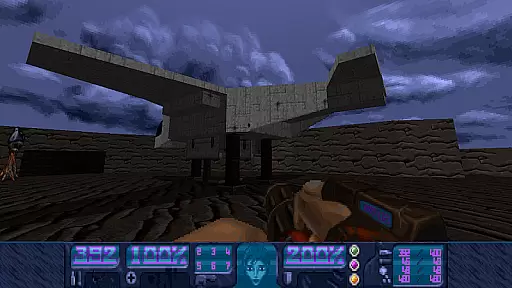
Delta Touch brings ten of the best Doom engine source ports to Android, offering an unparalleled retro gaming experience. The app includes popular ports like GZDoom, Zandronum, Chocolate Doom, and more, supporting a wide range of Doom-based games. With full touch screen controls and gamepad support, it ensures smooth gameplay on mobile devices.
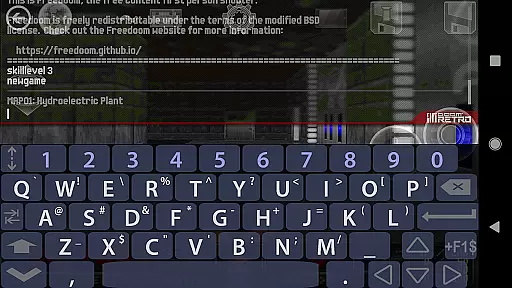
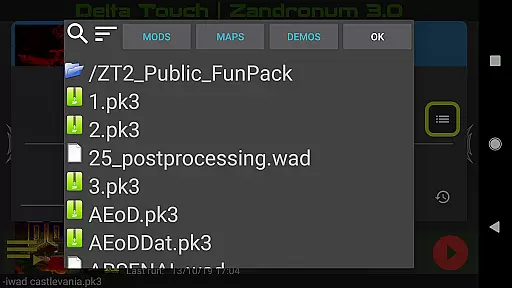
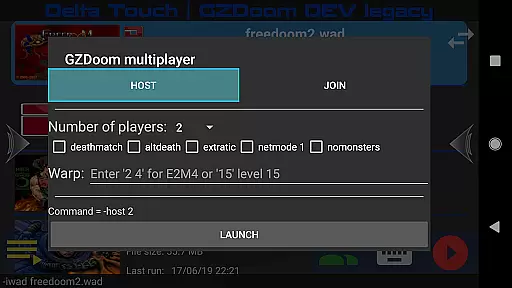
The application stands out with its highly customizable control schemes, built-in keyboard for cheats, and console commands. It also features a custom UI for easy selection of wads and mods, making it simple for users to enhance their gaming experience. Additionally, Delta Touch supports multiplayer modes and offers unique features like gyro aim assist and mouse-keyboard support for compatible devices.
Ideal for both casual and hardcore gamers, Delta Touch allows you to play thousands of community-made mods and levels. Whether you're reliving the classics or exploring new content, this app provides a versatile platform for enjoying Doom engine games on the go.
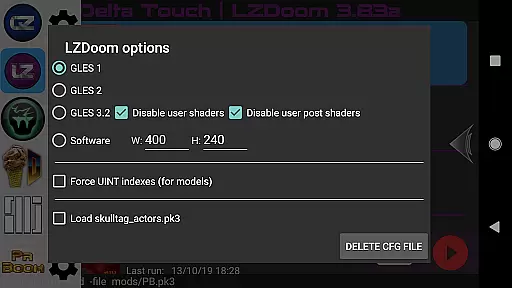
Delta Touch boasts an impressive array of features designed to maximize user experience. One of its standout capabilities is the inclusion of ten different Doom engine source ports, each with its own unique advantages. For instance, GZDoom offers advanced rendering and mod support, while Chocolate Doom focuses on preserving the original game's feel.
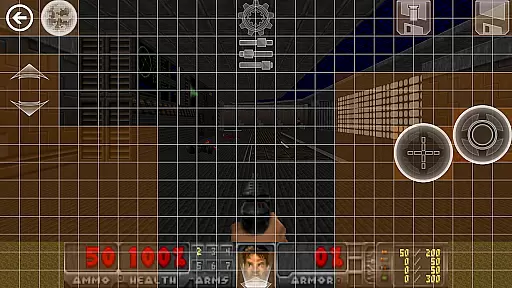
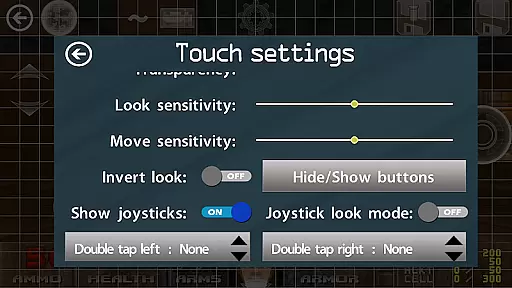
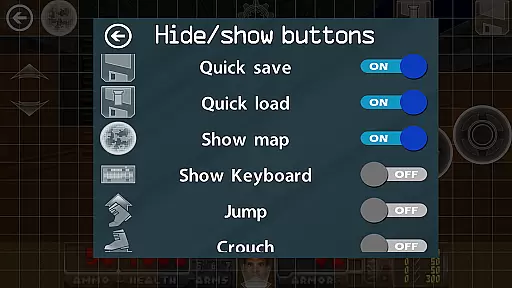
The app provides extensive customization options, allowing players to tailor their controls and interface. Users can save and load custom touch screen layouts, access built-in keyboards for cheat codes, and navigate the UI using a gamepad. These features ensure that every player can create a personalized and comfortable gaming setup.
Another remarkable aspect is the app's compatibility with various mods and levels. Players can enjoy thousands of community-created add-ons, expanding the replayability of their favorite Doom engine games. With added support for multiplayer modes and high-quality music through MIDI and Fluidsynth samples, Delta Touch delivers a comprehensive package for action gaming enthusiasts.
Control responsiveness and latency are crucial factors in action games, especially for a complex title like Delta Touch that supports multiple Doom engine ports. The app ensures optimal performance by offering customizable touch screen controls, which allow players to adjust the interface according to their preferences and playstyle.
The inclusion of full game-pad support further enhances control responsiveness. Players can seamlessly navigate through the game using physical controllers, which is essential for fast-paced action sequences typical in Doom-engine games. This feature caters to both casual gamers who prefer touch controls and hardcore enthusiasts who demand precision from gamepads.
Advanced features such as gyro aim assist provide additional layers of control customization. By leveraging device sensors, Delta Touch enables more accurate aiming mechanics, which is particularly beneficial when engaging fast-moving enemies or executing precise maneuvers during intense combat scenarios.
Moreover, the application's optimization for high-end devices ensures minimal input latency even when running demanding mods like Brutal Doom. This focus on performance across various hardware configurations demonstrates the developeru2019s commitment to delivering an uncompromised gaming experience regardless of the player's setup.
Combat feedback tightness refers to how effectively an action game communicates the impact of combat actions to the player. In Delta Touch, this aspect is meticulously addressed through several innovative features designed to enhance the overall gaming experience. One notable element is the highly customizable touch screen controls that allow users to tailor their interaction with the game world.
Built-in keyboard support for cheats and console commands adds another layer of engagement by enabling players to experiment with different gameplay styles and strategies. This feature not only enriches combat dynamics but also provides immediate feedback on the effectiveness of specific tactics or modifications applied during gameplay sessions.
Furthermore, Delta Touch incorporates 18 custom buttons specifically for GZDoom mods, ensuring comprehensive access to advanced functionalities within supported source ports. These buttons facilitate quick execution of complex actions, thereby tightening combat feedback loops and allowing players to maintain flow during heated battles.
Lastly, the app's ability to download MIDI and Fluidsynth samples significantly enhances audio quality, contributing to immersive combat experiences. High-fidelity sound effects coupled with responsive visual cues create a cohesive sensory environment where every action feels impactful and rewarding, reinforcing the tightness of combat feedback throughout each session.
User-friendly interface
Extensive customization
Variety of supported games
Active developer support
Regular updates
Requires high-end device
No included copyrighted data
Complex for beginners
Large storage needs
Limited Doom 3 mod support
Epic Fantasy RPG & Arena
 4.30
4.30
Craft, build, and survive in a zombie-infested open world!
3.40
Gaze upon the horrors that dwell beyond the Wall of Insanity.
4.90
Fun knockout battle royale, play with your friends!
4.30
Collect & Survive
4.30
Swing into action as a spider legend in an epic fighting adventure
4.60
Play PSP games on your Android device, at high definition with extra features!
4.60
Keep an eye on the animatronics and you'll make it thru the night... probably.
4.70
Run with thousands of foods and feed them to each other!
4.70
Kill. Die. Learn. Repeat.
4.80
Action roguelike bullet hell where every choice could make or break your run.
4.80
Survive the post apocalypse in intense zombie shooting and gun games on doomsday
4.60
Join stickman game - runner & fun race with a crowd. Epic battle & running game
4.60
Throw shurikens and cut through your enemies!
4.60
There was never just one.
4.50
Munch your way through 60 levels and over 140 objects!
4.40
Grand criminal online open-world RP action game! Drive cars and commit crimes!
4.40
Race around the world!
4.30
Retro pixel war game! Destroy enemies and survive the chaos!
4.1


User Reviews