
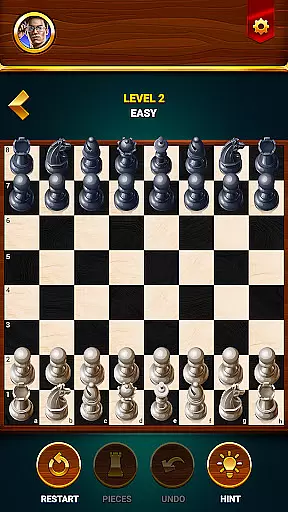

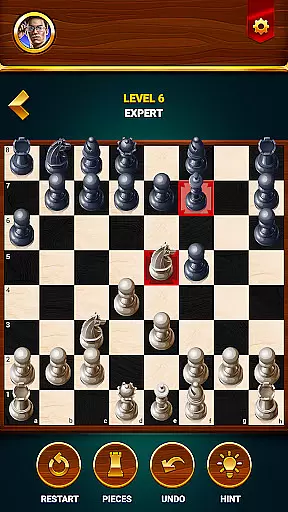
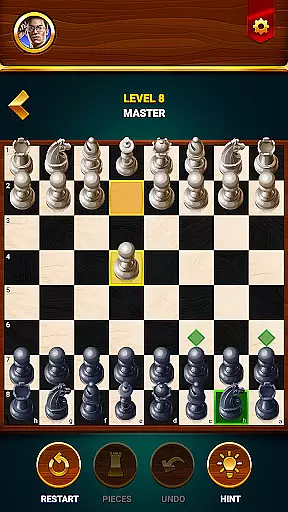
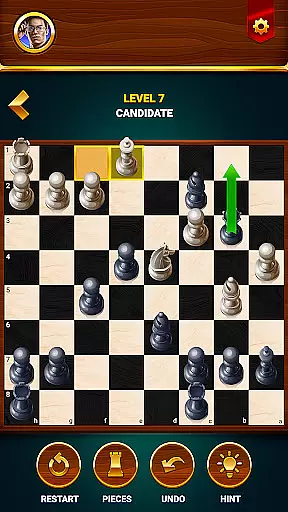

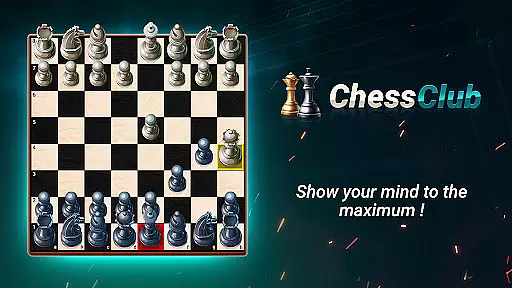
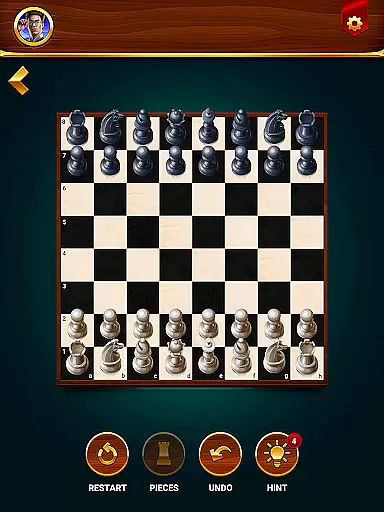

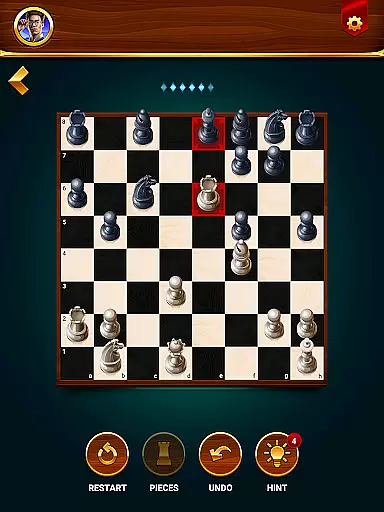
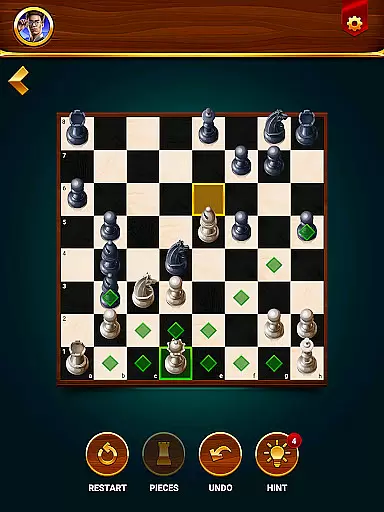
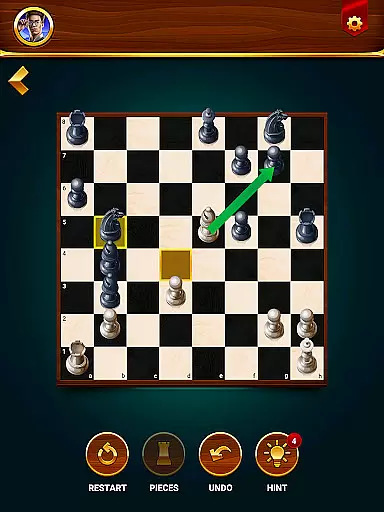


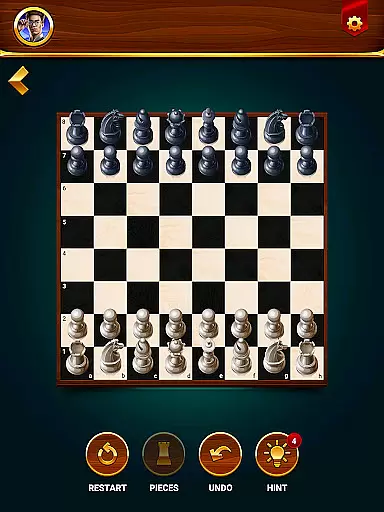

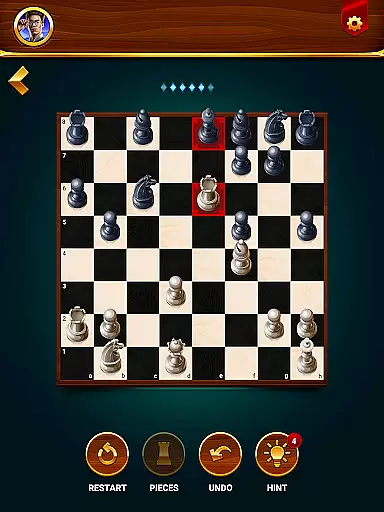
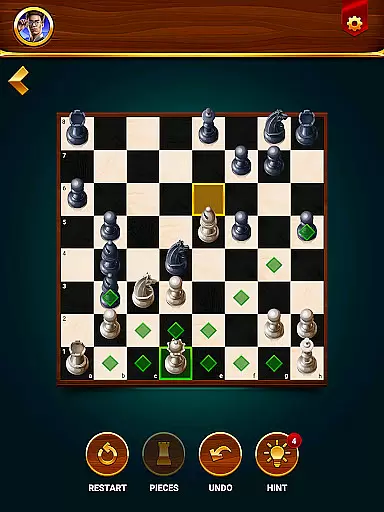
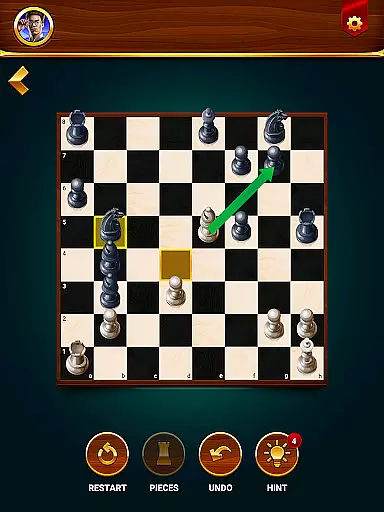


Chess - Offline Board Game is a premier chess application designed for players of all skill levels, from beginners to seasoned experts. The app offers unlimited free games in both 2D and 3D formats, allowing users to challenge computer opponents or engage in two-player matches with friends. With features like daily puzzles, interactive lessons, and strategic tips, it helps users develop their skills while sharpening their minds. Whether you're looking to practice tactics, compete in events, or simply enjoy casual games, this app provides a comprehensive chess experience that enhances logical thinking and problem-solving abilities.
One standout feature of Chess Club is its offline mode, which enables gameplay anytime, anywhere without requiring an internet connection. Players can customize their experience by choosing difficulty levels, analyzing game statistics, and utilizing tools such as hints, undo, and restart options. Additionally, the app supports multiple language preferences, making it accessible to a global audience. Its combination of competitive play, educational content, and user-friendly design makes it an ideal choice for anyone seeking to elevate their chess expertise while having fun.
Chess - Offline Board Game stands out with its diverse range of features tailored to enhance the player's experience. The app includes various game modes, such as single-player against AI opponents with adjustable difficulty settings and a two-player local mode where friends can compete directly. This flexibility ensures that users can enjoy both casual and competitive matches at their convenience. Furthermore, the inclusion of daily chess puzzles and tactical exercises allows players to refine their strategies and improve critical thinking through consistent practice.
Beyond traditional gameplay, the app offers an extensive learning section featuring interactive tutorials, step-by-step lessons, and expert recommendations. These resources are invaluable for newcomers who want to master the rules and advanced concepts of chess. Additional highlights include visual customization options (2D/3D board views), helpful tools like move hints and undo functionality, and detailed performance tracking via win-loss statistics. With these robust features, Chess Club not only entertains but also educates and empowers users on their journey toward becoming better chess players.
Authenticity and flexibility in chess rules are crucial for both casual players and serious competitors. The Chess - Offline Board Game app ensures that all traditional chess rules are accurately implemented while offering flexible options to cater to different play styles.
This app provides multiple game modes, including offline play against computer opponents with adjustable difficulty levels. Players can choose between 2D or 3D chess pieces, tailoring the experience to their visual preferences. Additionally, features like hints, undo, and restart allow users to adapt the gameplay to their learning pace and strategic needs.
The inclusion of daily puzzles and tactical exercises further enhances rule comprehension. These practice scenarios help players refine their skills by solving one-move checkmate problems and other challenges, ensuring a comprehensive understanding of chess strategies.
By maintaining strict adherence to official chess rules while incorporating customizable elements, this app delivers an authentic yet flexible chess experience. Users can enjoy traditional gameplay while benefiting from modern enhancements that improve accessibility and enjoyment.
The quality of AI opponents is a critical factor in determining the overall chess experience. In Chess - Offline Board Game, the AI has been meticulously designed to provide challenging and realistic competition across various skill levels.
Players can select from multiple difficulty settings, ranging from beginner to grandmaster level. Each level presents unique challenges, ensuring that both novice players and experienced strategists find suitable opponents. The advanced AI algorithms adapt to user performance, creating a dynamic and engaging gameplay experience.
The two-player mode also benefits from AI integration, as it helps analyze potential moves and strategies. This feature proves particularly useful when practicing with friends or during solo training sessions. The AI's ability to simulate different playing styles prepares users for real-world matches against diverse opponents.
Through sophisticated AI programming, this chess app maintains a perfect balance between challenge and accessibility. The intelligent opponent system not only tests players' skills but also helps them develop new strategies, making each game an opportunity for improvement and growth.
User-friendly interface
Offline gameplay available
Daily puzzles for practice
Interactive learning modules
Multi-language support
Limited online multiplayer
In-app purchases present
Ads may interrupt gameplay
No live coaching feature
Graphics could be outdated

Strike sparks hard, but don't get charred!
 3.00
3.00
Celebrate Christmas joy with fun paint by number & happy holiday coloring book!
4.70
Large Numbers Coloring Book for Seniors. Color by number for zen and relax.
4.60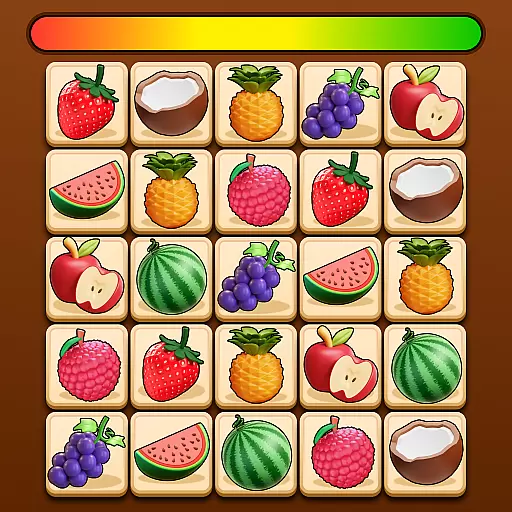
Connect matching tiles to clear the board. Memory puzzle game at leisure!
4.70
Dominoes online! Classic board games - Fives, Threes, Block and Draw Dominos!
4.40
Easy and relaxing zen coloring game. Tap to color. Enjoy the coloring time.
4.90
Harvest resources to build a woodland village in a beloved digital board game!
4.90
The award-winning board game of strategy and intrigue. The Spice must flow.
4.90
Choose your own life story again and again in this family-friendly board game!
4.60
Mahjong match game with large tiles, senior-friendly design, and offline play.
4.90
Play free Bingo with millions worldwide, enjoy nonstop fun and win great prizes!
4.80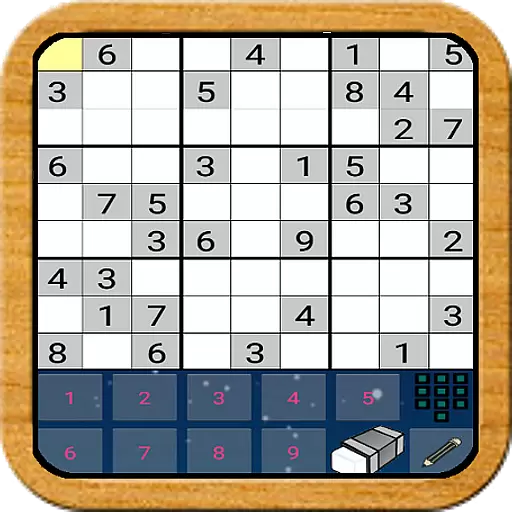
The Offline Version of Sudoku classic puzzle game without advertisements.
4.80
Official digital version of the board game Gaia Project.
4.70
Legendary board game classic from award-winning designer Vlaada Chvátil
4.70
Colorful Twist on Dice
4.70
Roll, roll, roll your dice, Yatzy wins the prize.
4.70
Handcrafted Sudoku puzzles by the most popular Sudoku channel!
4.50
The hit roguelike with all the fun of a dungeon crawl in a single deck of cards!
3.30
Pick a Theme, Play the Game
4.3


User Reviews