
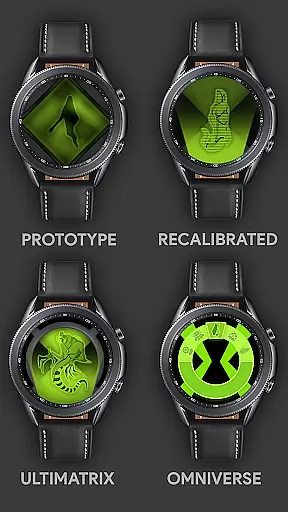
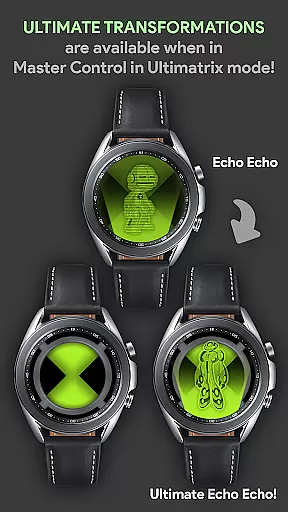
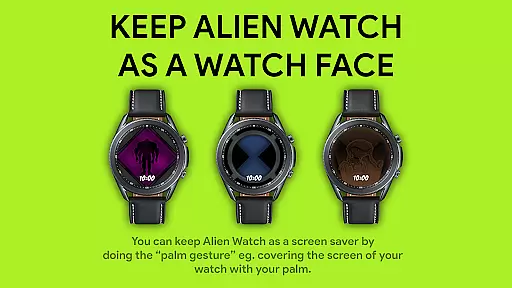

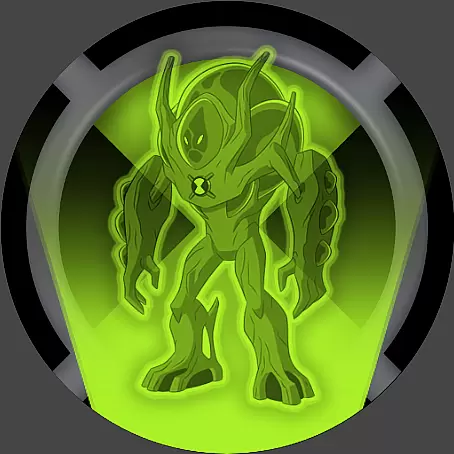



Alien Watch is a feature-rich simulation app that transforms your Wear OS smartwatch into the iconic Omnitrix from Ben 10. With multiple modes including Prototype, Recalibrated, and Omniverse, users can access various functionalities such as DNA Scan, Master Control, and Ultimatrix transformations. The app offers an immersive experience for fans of the franchise, allowing them to relive childhood memories through their smart devices.
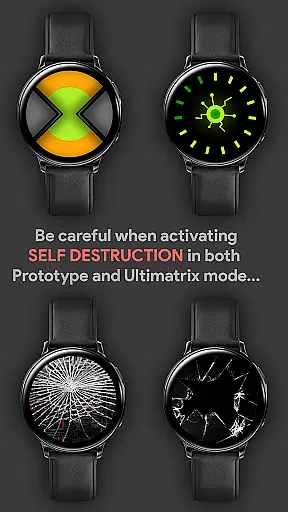
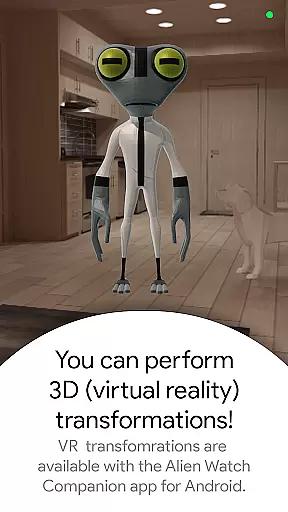
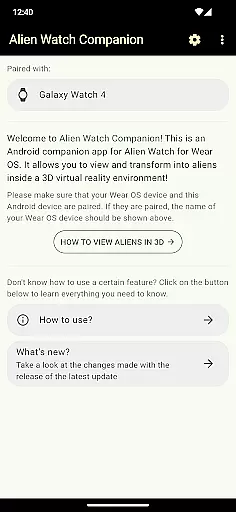
The application supports advanced features like Fusion Transformations, Self Destruction, and Virtual Reality transformations, providing a realistic 3D alien viewing experience. It also includes customization options with color variations and Albedo mode. To fully utilize all advertised capabilities, both Android and Wear OS versions are required, ensuring a comprehensive and interactive user journey.
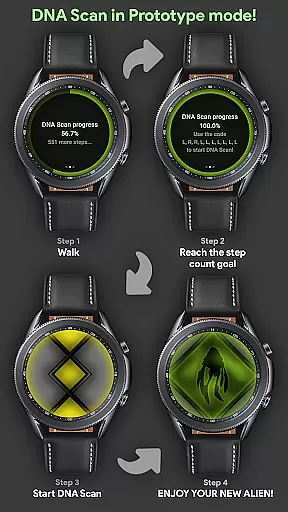
Alien Watch stands out with its diverse operational modes tailored for an engaging user experience. The Prototype mode enables DNA scanning to unlock additional aliens, either by walking or using activation codes, while supporting Fusion Transformations and Virtual Reality displays. Users can enjoy custom voice commands and sound effects during transformations, enhancing the authenticity of each alien encounter.
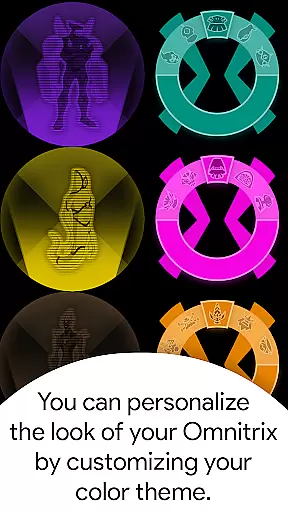
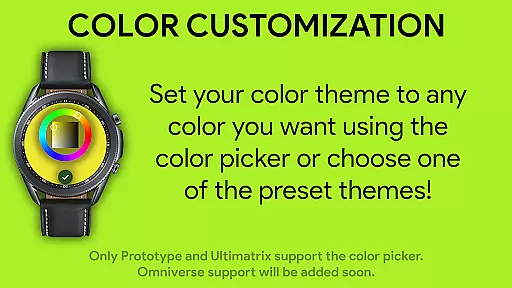
In Recalibrated mode, users find enhanced features like Ultimate Transformations, Azmuth Easter Eggs, and extensive color customization options including twelve distinct colors. The Omniverse mode introduces a Randomizer function and further augments personalization with unique aesthetics like Albedo mode. These innovative elements collectively deliver a dynamic and visually captivating simulation environment on Wear OS devices.
Alien Watch offers a rich economic system that mirrors the complexity of resource management found in advanced simulation games. The app includes multiple modes such as Prototype, Recalibrated, and Omniverse, each with unique features and sub-modes that require strategic planning and allocation of resources. Users must unlock aliens through DNA Scans or step count goals, which introduces an element of scarcity and value to their in-app assets.
The dynamic feedback mechanism within Alien Watch is designed to enhance user engagement by providing real-time responses to player actions. For instance, when users complete a DNA Scan or achieve transformation, they receive instant feedback through visual and audio cues. This responsive system not only makes the gameplay more immersive but also encourages players to experiment with different strategies to optimize their results.
Players benefit from this intricate economic system by experiencing a deeper level of interaction and personal investment in the game. As users progress, they can submit their achievements to a Leaderboard via the companion Android app, adding a competitive layer to the simulation. This fosters a sense of accomplishment and community among fans of the Ben 10 series who are looking for an authentic Omnitrix experience on their Wear OS devices.
Resource management in Alien Watch is carefully balanced to provide both challenge and accessibility. The app allows users to transform their smartwatch into the ultimate Alien Watch, offering various modes like Prototype, Recalibrated, and Omniverse. Each mode requires players to manage different resources effectively, whether it's unlocking aliens through walking challenges or utilizing codes for immediate access, ensuring a fair yet engaging experience.
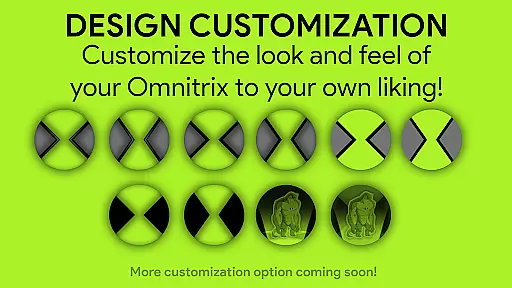
The balance extends to the customization options available in Recalibrated and Omniverse modes. Players can choose from twelve colors, including ALBEDO mode, and activate features such as Master Control and Self Destruction. These choices demand thoughtful consideration, as they impact gameplay dynamics and strategy. Additionally, the inclusion of functions like Randomizer in Omniverse mode adds an element of unpredictability, keeping the resource management aspect fresh and exciting.
By maintaining this equilibrium between challenge and playability, Alien Watch ensures that users remain invested in the simulation without feeling overwhelmed. Gamers can enjoy Fusion Transformations, Ultimate Transformations, and other sub-modes while appreciating the strategic depth required to master the appu2019s offerings. This balance ultimately enhances the overall enjoyment and longevity of the gaming experience on Wear OS devices.
User-friendly interface
Extensive customization options
Immersive 3D transformations
Voice command support
Regular updates with new features
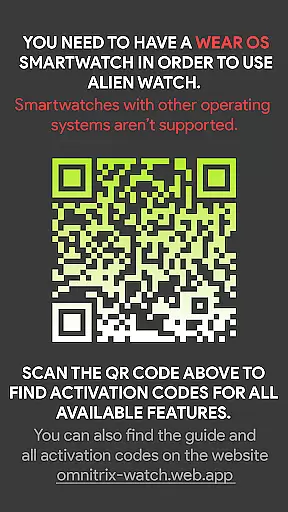
Requires Wear OS device
Dependent on companion Android app
Complex setup process
Limited functionality without full version
Premium features may require additional payment

Your Empire Awaits: Forge a Realm in This City-Building Idle Game!
 4.80
4.80
Raise crops and animals in this farming simulator!
4.20
Rule the night as a club security!
4.3
It’s not a bug, it’s a feature
4.20
Idle Mining Tycoon | ASMR Auto Dig For Gold. Offline Gem Digging Miner Simulator
4.20
Prank and cause chaos in the house. But don’t get caught!
4.10
The acclaimed bridge-building indie-hit is back and better than ever!
4.70
Be the leader of wobblers from ancient lands, spooky places, and fantasy worlds.
4.10
Prove your hunting sniper skills in ultimate 1v1 duels. Become a shooting master
4.60
Mystical Mixing: little alchemy meets tiny wings spiced with potion permit magic
4.80
Replay gaming history - The hit tycoon game, now on Android
4.80
Life Business empire rich game. Boss millionaire idle games. Idle office tycoon
4.60
The ultimate off-roading game!
4.60
Family, house & life simulator - build your dream home in a virtual world!
4.50
A babysitting horror game
4.20
Experience the ultimate vehicle simulator with realistic soft-body physics
4.20
7 years packed with fun
4.20
Final Fantasy Tactics: The War of the Lions has arrived for GooglePlay!
4.10
The most realistic digital combat flight simulator
3.40


User Reviews